Next.js SEO Guide for SSR Apps: A Practical Tutorial
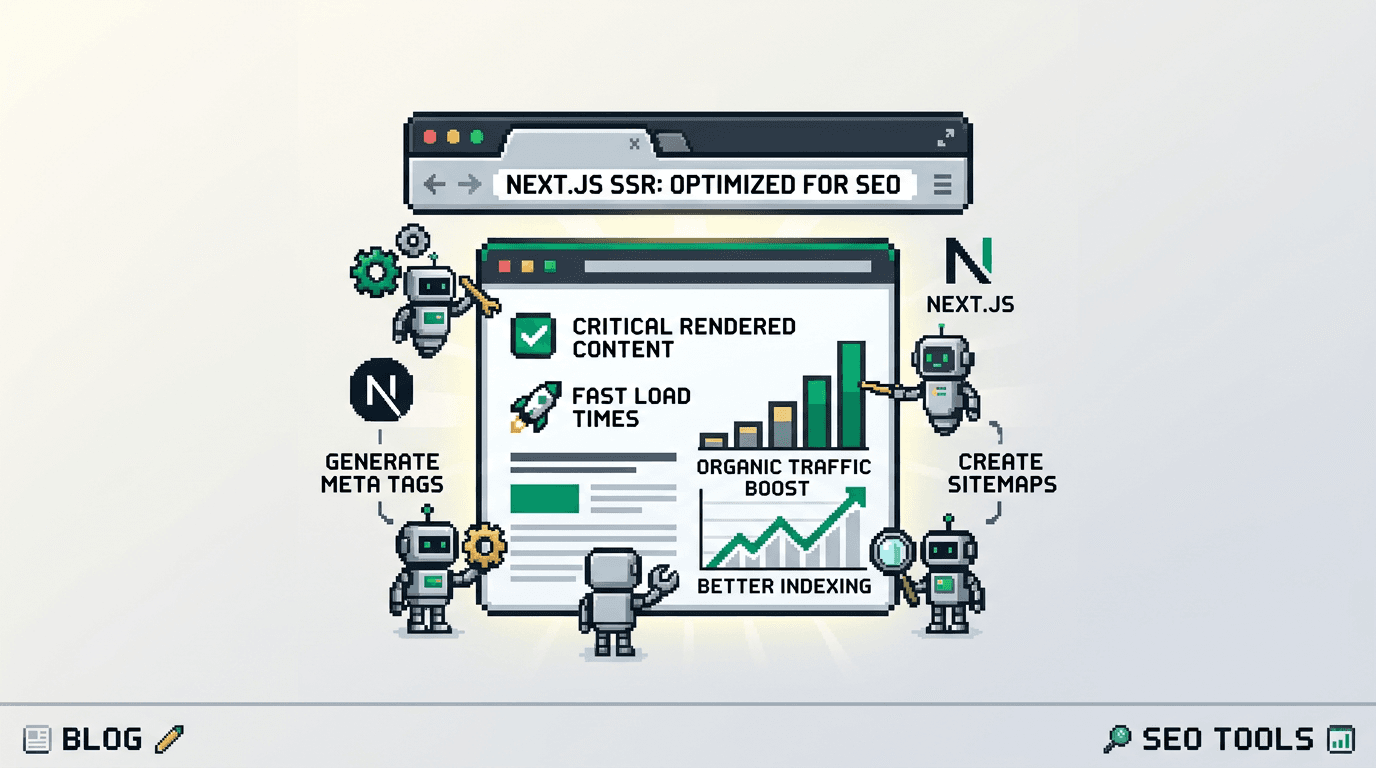
Modern React apps often ship fast but rank slowly. The gap is usually metadata, structured data, and crawlability issues that surface only after launch.
This guide is a practical Next.js SEO guide for developers building SSR apps. It covers metadata, schema, sitemaps, internal linking, and an automation workflow. If you maintain a Next.js site or SaaS blog, the key takeaway is to codify SEO as code and automate execution to avoid drift.
Core SEO concepts for Next.js SSR
Search engines need clear signals to discover, understand, and rank your pages. In SSR Next.js apps, you control these signals at build and request time.
Discovery, rendering, and indexing
- Discovery: XML sitemaps, internal links, and backlinks help bots find URLs.
- Rendering: SSR ensures HTML is ready at request time, avoiding client-only rendering pitfalls.
- Indexing: Canonicals and robots rules guide which version gets indexed and how it is grouped.
Technical signals to standardize
- Titles and meta descriptions for every route
- Canonical URLs to prevent duplicate content issues
- Open Graph and Twitter tags for social sharing
- Structured data for rich results
- XML sitemaps and robots rules for crawl control
Project setup and environment assumptions
Before implementing, confirm the following in your Next.js setup:
Framework and routing
- Next.js 13+ with the App Router for modern metadata APIs
- TypeScript for safer SEO utilities
- Deployed on Vercel or equivalent with ISR support if needed
Domain and hosting
- Single canonical domain in production (e.g., https://example.com)
- Stable route patterns for blogs and docs (e.g., /blog/[slug])
- HTTPS enabled and consistent trailing slash policy
Implement metadata with the Next.js Metadata API
Next.js provides first class metadata primitives to output tags consistently.
Static metadata for simple routes
// app/page.tsx
export const metadata = {
  title: 'Home | Example',
  description: 'Example SaaS that solves X for Y.',
  alternates: { canonical: 'https://example.com/' },
  openGraph: {
    title: 'Example',
    url: 'https://example.com/',
    type: 'website'
  },
  twitter: { card: 'summary_large_image' }
};

export default function Page() {
  return <main>...</main>;
}
Dynamic metadata for blog posts
// app/blog/[slug]/page.tsx
import { getPostBySlug } from '@/lib/posts';
import type { Metadata } from 'next';

export async function generateMetadata({ params }): Promise<Metadata> {
  const post = await getPostBySlug(params.slug);
  const url = `https://example.com/blog/${post.slug}`;
  return {
    title: `${post.title} | Blog`,
    description: post.excerpt,
    alternates: { canonical: url },
    openGraph: {
      title: post.title,
      url,
      type: 'article',
      images: post.ogImage ? [post.ogImage] : []
    },
    twitter: { card: 'summary_large_image' }
  };
}

export default async function BlogPostPage({ params }) {
  const post = await getPostBySlug(params.slug);
  return <article dangerouslySetInnerHTML={{ __html: post.html }} />;
}
Add structured data with JSON-LD
Structured data helps search engines understand entities and qualifies pages for rich features.
Article schema for blog posts
// app/blog/[slug]/ArticleJsonLd.tsx
'use client';
import Script from 'next/script';

export function ArticleJsonLd({ post }) {
  const data = {
    '@context': 'https://schema.org',
    '@type': 'Article',
    headline: post.title,
    description: post.excerpt,
    image: post.ogImage || undefined,
    datePublished: post.publishedAt,
    dateModified: post.updatedAt || post.publishedAt,
    author: [{ '@type': 'Person', name: post.author.name }],
    publisher: {
      '@type': 'Organization',
      name: 'Example Inc.',
      logo: { '@type': 'ImageObject', url: 'https://example.com/logo.png' }
    },
    mainEntityOfPage: {
      '@type': 'WebPage',
      '@id': `https://example.com/blog/${post.slug}`
    }
  };
  return (
    <Script id={`article-jsonld-${post.slug}`} type="application/ld+json">
      {JSON.stringify(data)}
    </Script>
  );
}
Organization and website schema
// app/SeoJsonLd.tsx
'use client';
import Script from 'next/script';

export function SiteJsonLd() {
  const org = {
    '@context': 'https://schema.org',
    '@type': 'Organization',
    name: 'Example Inc.',
    url: 'https://example.com',
    logo: 'https://example.com/logo.png'
  };
  const site = {
    '@context': 'https://schema.org',
    '@type': 'WebSite',
    name: 'Example Site',
    url: 'https://example.com',
    potentialAction: {
      '@type': 'SearchAction',
      target: 'https://example.com/search?q={query}',
      'query-input': 'required name=query'
    }
  };
  return (
    <>
      <Script id="org-jsonld" type="application/ld+json">{JSON.stringify(org)}</Script>
      <Script id="site-jsonld" type="application/ld+json">{JSON.stringify(site)}</Script>
    </>
  );
}
Generate and serve sitemaps for stable discovery
Sitemaps should cover canonical routes and update automatically.
App Router sitemap handler
// app/sitemap.ts
import { getAllPostSlugs } from '@/lib/posts';

export default async function sitemap() {
  const base = 'https://example.com';
  const staticRoutes = ['', '/blog', '/docs'].map((p) => ({ url: `${base}${p}`, lastModified: new Date() }));
  const posts = (await getAllPostSlugs()).map((slug) => ({
    url: `${base}/blog/${slug}`,
    changeFrequency: 'weekly',
    priority: 0.7,
    lastModified: new Date()
  }));
  return [...staticRoutes, ...posts];
}
Robots and alternate sitemaps
- Place robots.txt in /public with a link to /sitemap.xml.
- For multi-locale, expose a sitemap index that references locale sitemaps.
## public/robots.txt
User-agent: *
Allow: /
Sitemap: https://example.com/sitemap.xml
Internal linking patterns that scale
Internal links distribute PageRank, establish topical clusters, and improve discoverability.
Related posts by topic
- Compute relatedness by tags or embeddings at build time.
- Render 3 to 5 related links at the end of each post with consistent anchor text.
// components/RelatedPosts.tsx
export function RelatedPosts({ posts }) {
  if (!posts?.length) return null;
  return (
    <aside>
      <h3>Related reading</h3>
      <ul>
        {posts.map((p) => (
          <li key={p.slug}><a href={`/blog/${p.slug}`}>{p.title}</a></li>
        ))}
      </ul>
    </aside>
  );
}
Section navigation and breadcrumbs
- Add breadcrumbs on docs and nested content.
- Include table of contents for long articles to expose deep links.
Programmatic SEO content in Next.js
Programmatic SEO lets you generate many high intent pages from structured data. It works when each page solves a real query variation.
Identify entities and templates
- Entities: frameworks, integrations, regions, or product features.
- Template: a parameterized page with unique intro, data blocks, and FAQs.
// lib/templates/integration.ts
export type Integration = { name: string; slug: string; benefits: string[] };

export const renderIntegrationPage = (i: Integration) => ({
  title: `${i.name} integration guide`,
  description: `How to connect ${i.name} with Example.`,
  sections: [
    { h2: `Why use ${i.name} with Example`, bullets: i.benefits },
    { h2: `Setup for ${i.name}`, content: 'Steps...' }
  ]
});
Guardrails to avoid thin content
- Minimum word count per page plus data density checks
- Unique intro and examples per entity
- Canonical and noindex rules for near duplicates
// lib/seo/guards.ts
export function shouldIndex(page: { wordCount: number; uniqueness: number }) {
  return page.wordCount > 600 && page.uniqueness > 0.8;
}
Caching, ISR, and revalidation strategy
Good caching keeps content fresh without over-rendering.
Choose a revalidation policy
- Blogs: revalidate every 1 to 24 hours depending on cadence.
- Docs: revalidate on webhook from your content source.
// app/blog/[slug]/page.tsx
export const revalidate = 3600; // 1 hour
Webhook driven revalidation
// app/api/revalidate/route.ts
import { revalidatePath } from 'next/cache';

export async function POST(req: Request) {
  const { path, secret } = await req.json();
  if (secret !== process.env.REVALIDATE_SECRET) return new Response('Forbidden', { status: 403 });
  revalidatePath(path);
  return Response.json({ revalidated: true, now: Date.now() });
}
Quality control and validation automation
Automate checks so every deploy ships SEO safe pages.
Lint metadata at build time
- Validate title length 30 to 60 chars, description 70 to 155 chars.
- Ensure a canonical exists for indexable pages.
// scripts/validate-metadata.ts
import assert from 'node:assert';
import posts from '@/generated/posts.json';

for (const p of posts) {
  assert(p.meta.title && p.meta.title.length <= 60, `Bad title: ${p.slug}`);
  assert(p.meta.description && p.meta.description.length <= 160, `Bad description: ${p.slug}`);
  assert(p.meta.canonical, `Missing canonical: ${p.slug}`);
}
console.log('Metadata OK');
Test structured data
- Add unit tests to assert required fields exist.
- Use the Rich Results Test during CI with a headless fetch.
// tests/schema.test.ts
import { buildArticleJsonLd } from '@/lib/schema';

test('article jsonld has required fields', () => {
  const data = buildArticleJsonLd({ title: 'T', slug: 't', publishedAt: '2024-01-01' });
  expect(data['@type']).toBe('Article');
  expect(data.headline).toBeTruthy();
  expect(data.mainEntityOfPage['@id']).toContain('/blog/');
});
Example architecture: content pipeline for SSR apps
Below is a pragmatic architecture for a developer blog that automates metadata, schema, sitemaps, and internal linking.
Components in the pipeline
- Content source: Markdown, MDX, or a headless CMS
- Generator: processes content, computes related links, extracts summary
- Next.js app: renders pages with Metadata API and JSON-LD
- Validator: CI step for metadata and schema checks
- Publisher: schedules releases and triggers ISR revalidation
Data flow overview
- Author adds content or entities.
- CI runs generator to build HTML, metadata, and related links.
- Tests validate metadata and JSON-LD.
- On merge, the app deploys and publishes.
- Webhooks revalidate or rebuild sitemaps.
Tools comparison for SEO automation in Next.js
The options below compare common approaches to automating SEO tasks. Choose what fits your stack and governance.
| Option | Best for | Pros | Cons |
|---|---|---|---|
| Hand rolled utilities | Small apps | Full control, minimal deps | Time intensive, easy to miss edge cases |
| Headless CMS + hooks | Editorial teams | Rich workflows, webhooks | CMS complexity, pricing |
| Static site generator | Content heavy blogs | Fast builds, simple deploys | Less dynamic personalization |
| Next.js plugins/libs | Quick wins | Faster setup | Mixed quality, vendor lock risk |
Implementation checklist for a Next.js SEO guide
Use this checklist to track core tasks from this tutorial.
Metadata and canonical setup
- Implement static and dynamic metadata via Metadata API
- Enforce canonical URLs for all indexable routes
- Add Open Graph and Twitter tags
Structured data and sitemaps
- Add Article JSON-LD on blog posts
- Add Organization and WebSite JSON-LD globally
- Create app/sitemap.ts and link in robots.txt
Internal links and quality control
- Render 3 to 5 related links per post
- Add breadcrumbs and table of contents as needed
- Add CI validation for titles, descriptions, canonicals, and JSON-LD
Programmatic SEO examples to scale safely
Programmatic SEO examples should demonstrate real intent coverage instead of superficial variations.
Integration playbooks
- Create guides for each integration your product supports.
- Include setup steps, troubleshooting, and code samples specific to each tool.
Regional or industry templates
- Localize content where it affects configuration or regulation.
- Provide industry specific examples that change fields, workflows, or constraints.
Monitoring and ongoing maintenance
SEO is a continuous process. Bake monitoring into your pipeline.
Verify indexing and coverage
- Use Search Console to check sitemap submission and coverage reports.
- Investigate soft 404s, blocked URLs, and canonical mismatches.
Track performance signals
- Measure clicks, impressions, and average position per template.
- Review Core Web Vitals and address regressions promptly.
Key Takeaways
- Standardize metadata, schema, sitemaps, and canonicals with the Next.js Metadata API and JSON-LD.
- Use internal linking to build topical clusters and improve discovery.
- Treat SEO as code with CI validation to prevent regressions.
- Scale with programmatic SEO only when each page addresses distinct intent.
- Use ISR and webhooks to keep content fresh without over rendering.
Ship your first iteration, validate coverage in Search Console, then iterate on templates and linking to compound gains.
Frequently Asked Questions
- What is the primary Next.js SEO guide takeaway?
- Codify SEO as code using the Metadata API, JSON-LD, sitemaps, and CI checks so every release ships consistent, indexable pages.
- Do I need the App Router for good SEO?
- You can ship solid SEO with Pages Router, but the App Router offers a cleaner Metadata API and route level control, which simplifies consistency.
- How often should I revalidate blog pages?
- Revalidate hourly to daily depending on publish cadence. Use webhooks to revalidate immediately after publishing or major updates.
- Should every page have structured data?
- Not necessarily. Prioritize Article for posts, Product for product pages, and BreadcrumbList or FAQ where it adds clarity and qualifies for rich results.
- How do I avoid duplicate content issues?
- Set a single canonical per indexable URL, maintain consistent trailing slash policy, and avoid publishing near duplicates. Use noindex for low value clones.