Programmatic SEO Examples for Next.js Apps: A Practical Guide
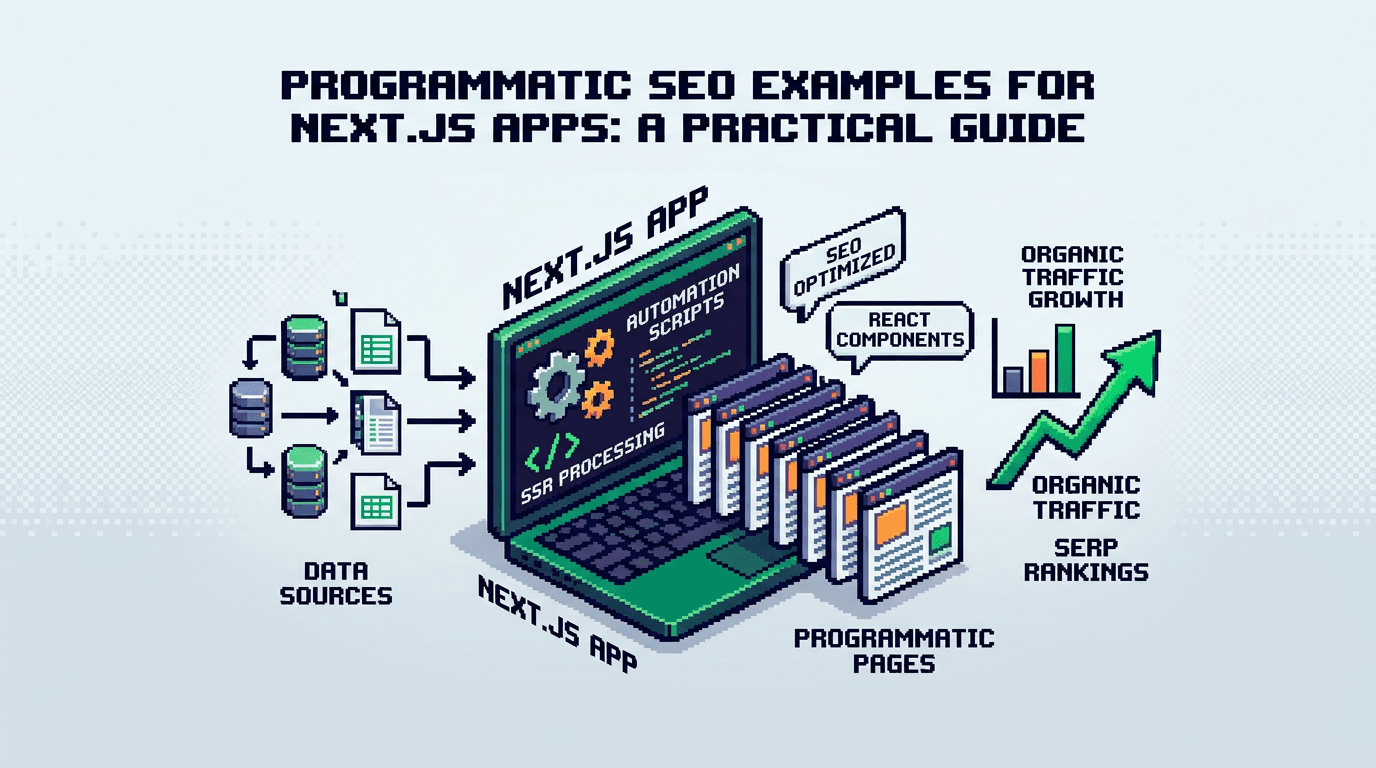
Programmatic SEO works when you ship repeatable pages with consistent metadata, internal links, and fast rendering. In Next.js, you can build that as code, not manual checklists.
This guide shows practical programmatic SEO examples for Next.js developers. It covers metadata, sitemaps, schema, page generation patterns, and internal linking. For React and SSR teams who want scalable, reliable SEO. Key takeaway: treat SEO as a deterministic build and publish pipeline.
What Makes Programmatic SEO Work in Next.js
Programmatic SEO succeeds when you combine high intent templates, consistent metadata, and strong linking. In Next.js, SSR, SSG, and ISR give you control over crawlability and speed.
Core ingredients
- A data model that maps to search demand
- Deterministic templates for titles, descriptions, and headings
- Structured data and canonical rules
- A sitemap that reflects the exact URL set
- An internal linking system that flows authority to the right pages
Pitfalls to avoid
- Generating near-duplicate variants without unique value
- Weak pagination and orphaned pages
- Inconsistent slugs and broken canonical tags across locales
- Forgetting to revalidate when data changes
Programmatic SEO Examples You Can Ship This Week
Below are practical examples you can adapt. Each example includes metadata, schema, and linking considerations.
Example 1: Feature-led comparison pages
Use a single template to generate “X vs Y” pages for your product category. Populate the pairs from a product catalog or competitor list.
- URL pattern: /compare/{product-a}-vs-{product-b}
- Intent: evaluational queries where users compare tools
- Content: standardized pros, cons, feature matrix, who each tool is for
Code sketch with the App Router:
// app/compare/[a]-vs-[b]/page.tsx
import { notFound } from 'next/navigation'
import { getPair, getAllPairs } from '@/lib/compare-data'
import { Metadata } from 'next'

export async function generateStaticParams() {
  const pairs = await getAllPairs()
  return pairs.map(p => ({ a: p.a.slug, b: p.b.slug }))
}

export async function generateMetadata({ params }): Promise<Metadata> {
  const pair = await getPair(params.a, params.b)
  if (!pair) return {}
  const title = `${pair.a.name} vs ${pair.b.name} comparison`
  const description = `Compare ${pair.a.name} and ${pair.b.name} on features, pricing, and fit to choose the right tool.`
  return {
    title,
    description,
    alternates: { canonical: `/compare/${pair.a.slug}-vs-${pair.b.slug}` },
    openGraph: { title, description },
    twitter: { title, description }
  }
}

export default async function Page({ params }) {
  const pair = await getPair(params.a, params.b)
  if (!pair) notFound()
  return (
    <main>
      <h2>{pair.a.name} vs {pair.b.name}</h2>
      {/* Render feature matrix and CTAs */}
    </main>
  )
}
Schema tip: add Product and ItemList schema to capture features and comparisons.
Internal linking: link to each product page and to related comparisons that share one side of the pair.
Example 2: Location-led pages for service coverage
Generate service pages for cities where you truly operate or provide a remote option with local proof.
- URL pattern: /services/{service}/{city}
- Intent: local intent queries like “react consulting in austin”
- Content: city-specific proof, testimonials, contact options
Sitemap slice:
// app/sitemap.ts
import { getAllCities, getAllServices } from '@/lib/data'
export default async function sitemap() {
  const cities = await getAllCities()
  const services = await getAllServices()
  const now = new Date().toISOString()
  return [
    ...services.flatMap(s => cities.map(c => ({
      url: `${process.env.SITE_URL}/services/${s.slug}/${c.slug}`,
      lastModified: now,
      changefreq: 'monthly',
      priority: 0.6
    })))
  ]
}
Schema tip: use LocalBusiness or Organization with areaServed annotations.
Internal linking: create city hubs that list all services per city and link back to parent service hubs.
Example 3: Programmatic blog series from a data set
Turn a recurring structure into a series: “How to integrate X with Y,” “API guides by provider,” “Framework patterns.”
- URL pattern: /blog/{category}/{topic}
- Intent: informational queries and long-tail dev searches
- Content: standardized intro, steps, code blocks, troubleshooting, links to reference docs
Metadata via the Metadata API:
// app/blog/[category]/[slug]/page.tsx
import type { Metadata } from 'next'
import { getPost, getAllPosts } from '@/lib/posts'

export async function generateStaticParams() {
  const posts = await getAllPosts()
  return posts.map(p => ({ category: p.category, slug: p.slug }))
}

export async function generateMetadata({ params }): Promise<Metadata> {
  const post = await getPost(params.category, params.slug)
  const title = `${post.title}`
  const description = post.excerpt
  return { title, description, alternates: { canonical: `/blog/${post.category}/${post.slug}` } }
}

export default async function Page({ params }) {
  const post = await getPost(params.category, params.slug)
  return <article dangerouslySetInnerHTML={{ __html: post.html }} />
}
Schema tip: add Article and BreadcrumbList.
Internal linking: auto-insert links between posts in the same category and to the top hub page.
Example 4: Template-driven pricing calculators
Create many calculator pages where the computation and layout are shared, only the variables differ.
- URL pattern: /calculators/{topic}
- Intent: commercial investigation and tooling searches
- Content: input UI, formula explanation, assumptions, and export options
Enhance with JSON-LD for SoftwareApplication or Tool and FAQ schema if you include Q and A.
Example 5: Catalog pages with attribute refinements
For product-led SaaS documentation or component libraries, generate attribute-indexed pages.
- URL pattern: /components/{type}/{attribute}
- Intent: navigational and informational queries
- Content: examples, props, usage, and compatibility matrix
Crawlability tip: keep facets curated. Output only valuable combinations to avoid thin content.
Data Modeling for Programmatic SEO Content
Good data modeling prevents duplicate content and broken slugs.
Shape the source of truth
- Entities: products, features, cities, categories, authors
- Relationships: product to feature, service to city, post to category
- Keys: slugs are stable, lowercase, hyphen separated
Versioning and approvals
- Keep content records versioned with an approval state
- Release by queue so ISR/Web revalidation is deterministic
- Store computed SEO fields next to source data for debugging
Metadata, Schema, and Canonicals in Next.js
Use the Next.js Metadata API to standardize titles and descriptions.
Title and description patterns
- Title: {Primary entity} + {modifier} + action or intent
- Description: 140 to 160 chars stating who it helps and what it does
- Avoid keyword stuffing and keep phrasing natural
Canonical and alternates
- Always set alternates.canonical to the intended URL
- For i18n, set alternates.languages with locale mapped URLs
- Use robots meta to keep private or staging paths out of the index
// app/[...slug]/head.tsx (for Pages Router) or metadata in App Router
export const metadata = {
  robots: { index: true, follow: true }
}
JSON-LD examples
// Generic helper
export function JsonLd({ data }: { data: object }) {
  return <script type="application/ld+json" dangerouslySetInnerHTML={{ __html: JSON.stringify(data) }} />
}

// On a comparison page
<JsonLd data={{
  '@context': 'https://schema.org',
  '@type': 'ItemList',
  itemListElement: [
    { '@type': 'ListItem', position: 1, url: 'https://site.com/compare/a-vs-b' }
  ]
}}/>
Sitemaps and Index Management
A correct sitemap reflects the exact set of URLs the crawler should discover.
Build a segmented sitemap
- Break into sitemap-index.xml that links to posts, compares, cities, calculators
- Keep each part under the typical 50k URL and size limits
- Update lastModified when content changes
Pair sitemap updates with revalidation
- On publish, queue ISR revalidate for touched routes
- Regenerate the relevant sitemap segment only
- Ping search engines with the updated index URL
// lib/revalidate.ts
import { revalidatePath } from 'next/cache'
export async function onPublish(paths: string[]) {
  for (const p of paths) revalidatePath(p)
  await fetch(`${process.env.SITE_URL}/api/ping-sitemap`)
}
Internal Linking Systems at Scale
Internal linking should be automatic and rule based, not handcrafted per page.
Link graph rules
- Each child page links to its hub and sibling next steps
- Hubs link down to children and across to peers
- Contextual links insert into content based on entities found
Practical insertion
- Maintain a dictionary of anchor texts per entity
- Avoid overlinking by enforcing a per-section max
- De-dupe links in the same paragraph
type Anchor = { text: string; href: string }
export function insertLinks(html: string, anchors: Anchor[]): string {
  // Pseudocode for simple entity linking
  // 1) tokenize paragraphs 2) replace first safe match per entity 3) avoid code blocks
  return html
}
Performance and Rendering Choices
Programmatic SEO pages must be fast and stable.
Choose the right rendering mode
- SSG for stable catalogs and long tail assets
- ISR for catalogs that update periodically
- SSR for user specific data that still must index a shell
Stabilize layout and assets
- Use next/image with fixed aspect ratios
- Preload critical fonts and minimize CLS
- Keep hydration predictable by avoiding unnecessary client components
Governance, QA, and Safe Publishing
At scale, you need controls to avoid regressions.
Validation gates
- Block publish if title or description is missing
- Validate unique slugs and canonical targets
- Lint JSON-LD and verify required fields per template
Approval flow and rollback
- Stage content as draft, preview, approve, then queue publish
- Idempotent publish jobs so retries do not create duplicates
- Keep an audit trail for who approved and when
Programmatic SEO with Next.js and AutoBlogWriter
You can hand build the stack or adopt a managed workflow. Here is how a developer-first tool like AutoBlogWriter fits a Next.js app.
What the managed layer handles
- Generates production ready articles from a spec and your site context
- Enforces metadata, schema, and sitemap generation
- Builds deterministic internal linking and revalidation queues
Drop in SDK sketch
// app/blog/[slug]/page.tsx
import { fetchBlogPost, generatePostMetadata } from '@autoblogwriter/sdk'
import { BlogPost } from '@autoblogwriter/sdk/react'

export async function generateMetadata({ params }) {
  return await generatePostMetadata(params.slug)
}

export default async function Page({ params }) {
  const post = await fetchBlogPost(params.slug)
  return <BlogPost post={post} />
}
This lets you focus on templates and data while the pipeline enforces SEO execution.
Example Architecture: From Data to Indexed Pages
A typical flow for programmatic seo content in Next.js:
Data ingestion and normalization
- Pull entities from a catalog or API
- Normalize fields, compute slugs, and dedupe records
- Store computed SEO fields with the entity
Build, publish, and revalidate
- Generate static params and metadata
- Publish content and regenerate sitemap segments
- Revalidate touched routes and ping the sitemap index
Sequence overview table for quick reference:
Below is a compact table that maps steps to responsibilities.
| Step | Layer | Responsibility |
|---|---|---|
| 1 | Data | Ingest, normalize, dedupe |
| 2 | Build | Generate params and metadata |
| 3 | Content | Render template with schema |
| 4 | Links | Insert hub and contextual links |
| 5 | Sitemap | Update segment and index |
| 6 | Delivery | Revalidate and cache warm |
Debugging and Monitoring
Visibility prevents silent failures.
Checks to add
- 404 and redirect reports by route group
- Metadata diff for title and description drift
- JSON-LD validator in CI for known templates
Observability
- Log sitemap generations with counts per segment
- Track revalidation latency and error rates
- Measure organic traffic per template type rather than only per URL
Key Takeaways
- Model your entities and templates first so programmatic pages add unique value.
- Standardize metadata, schema, and canonicals with the Next.js Metadata API.
- Build a segmented sitemap and couple it with ISR revalidation on publish.
- Automate internal linking with clear hub and child rules.
- Use governance, validation, and idempotent publishing to stay safe at scale.
Ship templates as code, enforce SEO in the pipeline, and let cadence compound results over time.
Frequently Asked Questions
- What is programmatic SEO in Next.js?
- Creating many high intent pages via templates and data, with deterministic metadata, schema, sitemaps, and internal linking handled in code.
- How many pages should I generate at launch?
- Start with a focused set that you can support with unique value, then scale. Quality and internal links matter more than raw count.
- Should I use SSG, ISR, or SSR for these pages?
- Use SSG for stable catalogs, ISR when data updates periodically, and SSR for user specific shells. Prefer static where possible for speed.
- How do I prevent duplicate content issues?
- Use canonical tags, stable slugs, and dedupe rules in your data pipeline. Only output valuable combinations and avoid thin variants.
- Do I need JSON-LD for every page?
- Add schema that matches the intent and template. Article, Product, ItemList, and BreadcrumbList are common and helpful when valid.