How to Set Up a Next.js SEO Checklist for SSR Apps
Modern Next.js teams often ship features faster than they maintain SEO hygiene. Small gaps in metadata, schema, or sitemaps can quietly block discovery.
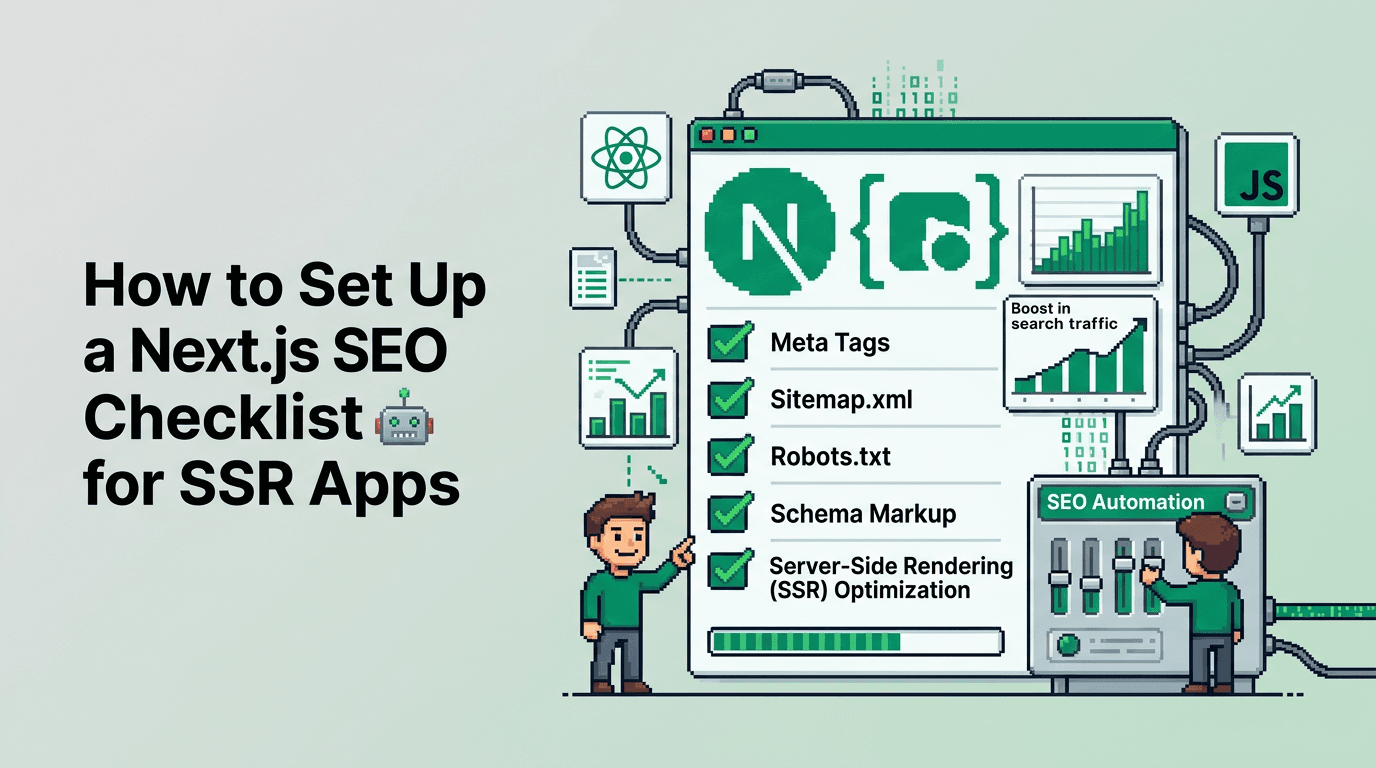
This guide walks developers and SaaS teams through a practical Next.js SEO checklist for SSR apps. You will learn metadata setup, structured data, sitemaps, routing, internal linking, and automation. The key takeaway: treat SEO as code with validations and repeatable workflows.
Next.js SEO essentials for SSR apps
A solid foundation prevents regressions as your codebase grows. Start with a single source of truth and clear ownership.
Pick the primary surfaces
- Canonical HTML metadata for each route
- Open Graph and Twitter for social previews
- JSON-LD structured data for rich results
- XML sitemaps for URL discovery
- Robots directives and canonical tags
Centralize configuration
- Create a metadata config in one module and import it where needed
- Expose simple helpers for titles, descriptions, and canonical URLs
- Keep route-sensitive values deterministic to avoid drift
Make SEO testable
- Add unit tests to assert title, description, canonical, and noindex rules
- Include integration tests that render pages and parse head tags
- Fail PRs when required fields are missing
Using the Next.js Metadata API the right way
The Next.js Metadata API removes much boilerplate if you use it consistently.
Configure app-level defaults
In app layout, establish predictable defaults and override per route.
// app/layout.tsx
import type { Metadata } from 'next';

export const metadata: Metadata = {
  metadataBase: new URL('https://example.com'),
  title: {
    default: 'Example SaaS',
    template: '%s | Example SaaS',
  },
  description: 'Ship features faster with an SEO-safe Next.js stack.',
  robots: { index: true, follow: true },
  openGraph: {
    type: 'website',
    siteName: 'Example SaaS',
  },
  twitter: { card: 'summary_large_image' }
};
Add per-route metadata
Use dynamic functions for route params and canonical control.
// app/blog/[slug]/page.tsx
import type { Metadata } from 'next';

export async function generateMetadata({ params }): Promise<Metadata> {
  const post = await getPost(params.slug);
  const canonical = `/blog/${post.slug}`;
  return {
    title: post.title,
    description: post.excerpt,
    alternates: { canonical },
    openGraph: {
      title: post.title,
      description: post.excerpt,
      url: canonical,
      images: post.ogImage ? [{ url: post.ogImage, width: 1200, height: 630 }] : undefined,
    },
    twitter: { title: post.title, description: post.excerpt }
  };
}
Technical SEO for JavaScript SSR
SSR gives you strong defaults, but details still matter for crawlers.
Canonicalization and duplicates
- Ensure one canonical URL per document
- For paginated or faceted pages, keep canonical to the main listing when appropriate
- Avoid query-string only variants being indexable unless required
Robots directives and indexing control
- Use robots meta and X-Robots-Tag headers for staging or gated content
- Block internal tools and preview routes in robots.txt
- Never block assets needed for rendering critical content
Performance signals
- Keep CLS low with predictable image sizes and fonts
- Stream SSR and use React Server Components where helpful
- Cache HTML with ISR or full SSR caching policies
Sitemaps that scale with your routes
A reliable sitemap accelerates discovery and prevents crawl waste.
Programmatic sitemap generation
Use Next.js route handlers or a build step that outputs stable XML.
// app/sitemap.ts
import { getAllRoutes } from '@/lib/routes';

export default async function sitemap() {
  const routes = await getAllRoutes();
  return routes.map(r => ({
    url: `https://example.com${r.path}`,
    lastModified: r.updatedAt,
    changeFrequency: r.changefreq || 'weekly',
    priority: r.priority ?? 0.5
  }));
}
Split large sitemaps
- Keep each sitemap under 50k URLs and 50 MB
- Generate a sitemap index at /sitemap.xml that references child sitemaps
- Create separate sitemaps for blogs, docs, and product URLs
Schema markup for Next.js and React
Structured data clarifies context to search engines and AI systems.
JSON-LD patterns to start with
- WebSite with SearchAction for site search
- Organization for brand and logo
- BreadcrumbList on deep content
- Article or BlogPosting for posts
- Product for pricing pages when applicable
Rendering JSON-LD safely
Insert once per page with stable keys.
// components/JsonLd.tsx
export function JsonLd({ json }: { json: object }) {
  return (
    <script
      type="application/ld+json"
      dangerouslySetInnerHTML={{ __html: JSON.stringify(json) }}
    />
  );
}
Example Article schema on a blog post:
<JsonLd
  json={{
    '@context': 'https://schema.org',
    '@type': 'BlogPosting',
    headline: post.title,
    description: post.excerpt,
    datePublished: post.publishedAt,
    dateModified: post.updatedAt || post.publishedAt,
    author: { '@type': 'Person', name: post.author.name },
    mainEntityOfPage: {
      '@type': 'WebPage',
      '@id': `https://example.com/blog/${post.slug}`
    }
  }}
/>
Internal linking and information architecture
Search performance compounds when related pages are connected and crawlable.
Build deterministic link modules
- Define a typed map of sections to URLs
- Generate related links from taxonomy or embeddings
- Keep anchor text specific to the target page topic
Add cross links in high-value pages
- Insert 3 to 6 relevant internal links per long page
- Use breadcrumb and in-content links for blogs and docs
- Avoid repeating the same anchor text everywhere to keep it natural
As your app scales, collaborate with specialists when you need custom site planning or migrations. Teams that want expert help on complex site architecture often work with agencies like Bayline Digital for SEO and site builds, see their custom websites service at https://baylinedigital.com/services/custom-websites.
Programmatic SEO in a Next.js workflow
Treat content like code so you can ship at scale with consistency.
Content models and templates
- Create MDX or markdown templates for repeatable post types
- Parameterize hero images, headlines, and CTAs
- Validate required fields before publish
Automated internal linking
- Compute related links at build or publish time
- Update legacy posts when new clusters go live
- Keep a graph of URLs to maintain symmetry between pages
Next.js blog setup and publishing automation
A predictable pipeline reduces regressions and manual toil.
Scheduling and ISR
- Queue new posts and revalidate ISR paths on publish
- Use On-Demand Revalidation for high-change routes
- Emit webhooks to refresh caches across regions
Linting and CI checks
- ESLint rules for meta defaults and required exports
- Jest or Vitest parsing of rendered head for key tags
- Playwright or Cypress smoke tests against staging
Example checklist you can copy
Use this as a starting point for code review and CI gates.
Metadata and head
- [ ] Title template and default set in app/layout
- [ ] Description present and within 70 to 160 chars
- [ ] Canonical URL declared on indexable pages
- [ ] Open Graph and Twitter set with valid image
Robots and indexing
- [ ] robots.txt blocks staging and internal tools
- [ ] noindex used for search results and thin pages
- [ ] X-Robots-Tag headers for non-HTML assets if needed
Sitemaps
- [ ] /sitemap.xml resolves and lists all child sitemaps
- [ ] Per-section sitemaps under 50k URLs
- [ ] lastmod dates updated on content changes
Schema markup
- [ ] Organization, WebSite, and SearchAction on root
- [ ] BreadcrumbList on deep pages
- [ ] BlogPosting or Article for posts with author and dates
Internal linking
- [ ] At least 3 relevant links per long page
- [ ] Taxonomy based related links present
- [ ] Breadcrumbs on nested routes
Performance and rendering
- [ ] Responsive OG images sized 1200x630
- [ ] CLS budget respected with fixed image sizes
- [ ] ISR or caching headers set for stable routes
Tooling options compared
Here is a concise comparison of common ways teams manage Next.js SEO at scale.
| Approach | Setup effort | SEO control | Scaling content | Governance | Best for |
|---|---|---|---|---|---|
| Hand-rolled components | Low | Medium | Low | Low | Small sites |
| Headless CMS + custom SEO fields | Medium | High | Medium | Medium | Marketing teams |
| Programmatic SEO pipeline | Medium | High | High | High | SaaS with large topic maps |
| Framework Metadata API only | Low | Medium | Medium | Low | Early-stage apps |
Common pitfalls and how to avoid them
Missing canonical on dynamic routes
Symptom: duplicate indexation of /product and /product?ref=abc. Fix by setting alternates.canonical to the clean URL.
Inconsistent title casing and templates
Symptom: brand missing on some pages. Fix by using a single title template at the app layout, and route-level overrides only for the variable part.
Sitemap out of sync with routing
Symptom: 404s in submitted sitemap. Fix by generating sitemaps from the same route registry used for pages and tests.
Putting it together with a CI gate
Add checks that run on every PR and deployment.
Suggested CI steps
- Lint metadata exports and JSON-LD shapes
- Render critical pages and parse the head for required tags
- Validate sitemap and robots.txt endpoints
- Post a summary to the PR with failures and quick links
Sample head assertions
import { JSDOM } from 'jsdom';

function head(html: string) {
  const dom = new JSDOM(html);
  return dom.window.document.head;
}

it('has canonical', () => {
  const h = head(renderedHtml);
  const link = h.querySelector('link[rel="canonical"]');
  expect(link?.getAttribute('href')).toMatch(/^https:\/\/example.com/);
});
Key Takeaways
- Use the Next.js Metadata API for deterministic titles, canonicals, and social tags
- Generate sitemaps from the same route registry used by your app
- Add JSON-LD for Organization, WebSite, Breadcrumb, and BlogPosting
- Build internal linking as a code-level module with tests
- Enforce everything in CI so SEO is maintained release to release
Ship SEO like code. Small, consistent checks beat big quarterly audits every time.
Frequently Asked Questions
- What is the primary Next.js SEO setup I should start with?
- Define app-level metadata defaults, add per-route metadata with canonicals, generate a sitemap, and add JSON-LD for key page types.
- How do I prevent duplicate content in Next.js?
- Set a canonical URL per page, avoid indexing parameter-only variants, and ensure your sitemap lists the clean canonical URLs.
- Do I need JSON-LD for every page?
- Use Organization and WebSite sitewide, plus BlogPosting or Article for posts and BreadcrumbList on deep content pages.
- How big can a sitemap be?
- Keep each sitemap under 50k URLs and 50 MB. Use a sitemap index to reference multiple sitemaps by section.
- Should I use ISR for SEO pages?
- Yes, ISR works well for mostly static SEO pages. Revalidate on publish to keep lastmod and content fresh without full rebuilds.