How to Build Programmatic SEO Content with Next.js
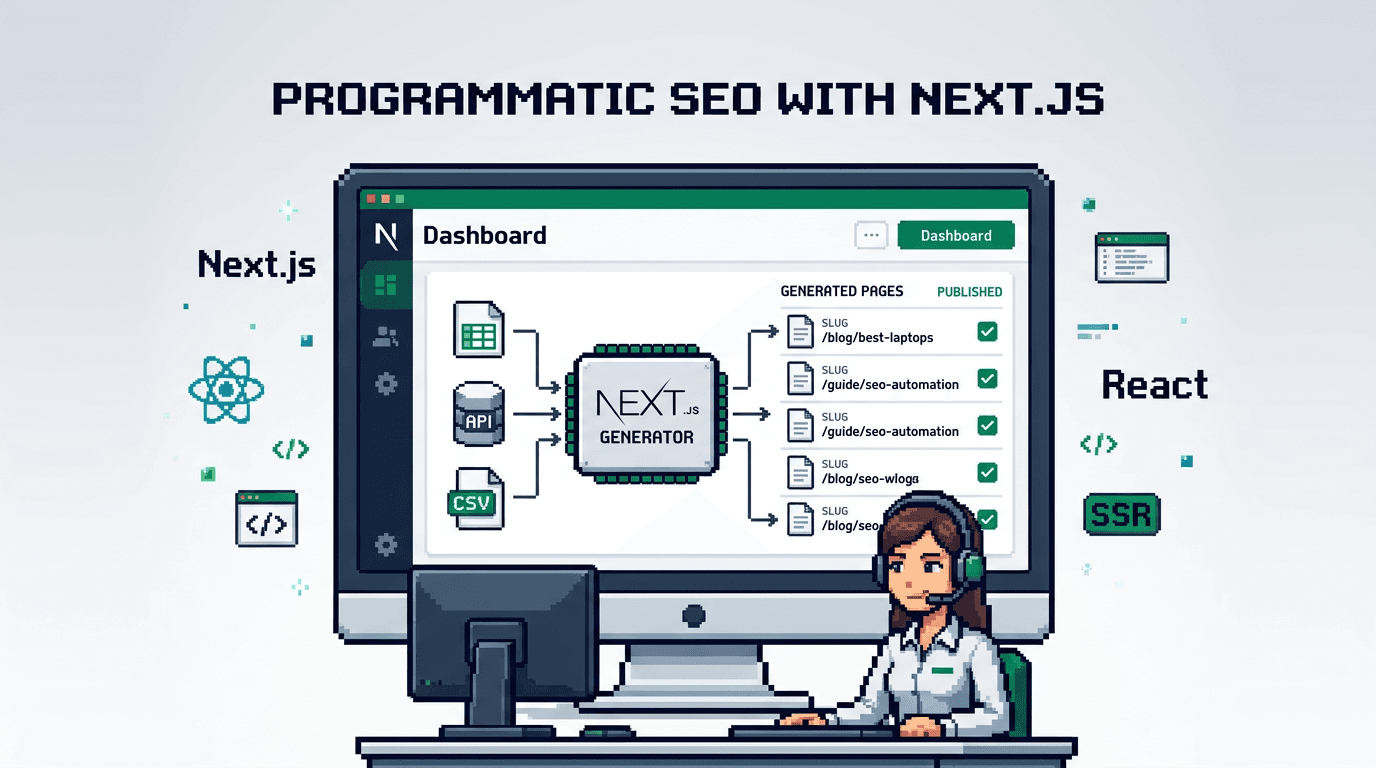
Programmatic SEO content lets you generate hundreds or thousands of useful, search-focused pages from structured data without hand-writing each post. Done right in a modern React stack, it compounds traffic while keeping quality and governance tight.
This guide shows React and Next.js developers how to plan, model, and ship programmatic SEO content. You will learn data modeling, page generation patterns, metadata and schema, internal linking, sitemaps, and publishing automation. Key takeaway: treat content as data and enforce SEO execution at build and publish time.
What is programmatic SEO content?
Programmatic SEO content is a repeatable page pattern populated from a dataset, such as locations, product specs, integrations, or templates. Each page targets a narrow query with consistent structure and unique value.
Why developers reach for it
- You already have structured data in a database or API.
- You need scale without sacrificing consistency.
- You want predictable URLs, metadata, and internal linking.
Risks to manage
- Thin or duplicate content if your dataset lacks depth.
- Inconsistent metadata and schema if generated ad hoc.
- Crawl budget waste without strong linking and sitemaps.
Planning your Next.js programmatic SEO project
Before code, define the template, data, and routing. This prevents churn later when you connect metadata, schema, and sitemaps.
Pick the primary template and SERP intent
- Identify one clear search intent per template, like integration guides or pricing comparisons.
- Collect 5 to 10 representative SERPs to confirm common headings and questions.
Define your data contract
- Required fields: title, slug, summary, body blocks, canonical URL, primary keyword, entities for schema.
- Optional fields: FAQs, images, related items, breadcrumbs.
- Keep a version field for idempotent generation and publish safety.
Next.js routing and data loading patterns
Next.js supports multiple strategies depending on your source of truth and freshness needs. The examples assume the App Router, but the same ideas work in Pages.
Static generation from a dataset
- Use generateStaticParams to create paths from your dataset.
- Render the page with fetch to your data source at build time.
- Pair with revalidation if data updates are infrequent but possible.
// app/(marketing)/guides/[slug]/page.tsx
import { notFound } from 'next/navigation'
import { getAllSlugs, getDocBySlug } from '@/lib/data'

export async function generateStaticParams() {
  const slugs = await getAllSlugs()
  return slugs.map(slug => ({ slug }))
}

export const revalidate = 86400 // daily refresh

export default async function GuidePage({ params }: { params: { slug: string } }) {
  const doc = await getDocBySlug(params.slug)
  if (!doc) return notFound()
  return (
    <article>
      <h2>{doc.title}</h2>
      <div dangerouslySetInnerHTML={{ __html: doc.html }} />
    </article>
  )
}
On demand ISR for fresher data
- Keep a publish queue that triggers resync and revalidatePath or on demand ISR when a page changes.
- Useful when you enrich content frequently or sync from external systems.
// app/api/revalidate/route.ts
import { NextRequest } from 'next/server'
import { revalidateTag } from 'next/cache'

export async function POST(req: NextRequest) {
  const { tag } = await req.json()
  revalidateTag(tag)
  return new Response(JSON.stringify({ revalidated: true }))
}
SEO metadata and schema at scale
Programmatic SEO fails without consistent metadata and structured data. Centralize generation and validation.
Centralized metadata builder
- Create a single function that maps your data contract to Next.js Metadata.
- Enforce title length, description length, canonical, and robots rules.
// lib/seo.ts
import type { Metadata } from 'next'

export function buildMetadata(d: {
  title: string
  description: string
  canonical: string
  ogImage?: string
  noindex?: boolean
}): Metadata {
  const title = d.title.trim().slice(0, 60)
  const description = d.description.trim().slice(0, 155)
  return {
    title,
    description,
    alternates: { canonical: d.canonical },
    robots: { index: !d.noindex, follow: !d.noindex },
    openGraph: {
      title,
      description,
      images: d.ogImage ? [{ url: d.ogImage }] : undefined
    },
    twitter: {
      card: 'summary_large_image',
      title,
      description
    }
  }
}
JSON-LD schema generation
- For articles, use Article or BlogPosting with author, datePublished, headline, and image.
- For products or software, use Product or SoftwareApplication with offers and aggregateRating if available.
// components/JsonLd.tsx
export function JsonLd({ json }: { json: Record<string, unknown> }) {
  return (
    <script
      type="application/ld+json"
      dangerouslySetInnerHTML={{ __html: JSON.stringify(json) }}
    />
  )
}

// usage per page
import { JsonLd } from '@/components/JsonLd'

const schema = {
  '@context': 'https://schema.org',
  '@type': 'Article',
  headline: doc.title,
  datePublished: doc.publishedAt,
  dateModified: doc.updatedAt,
  author: { '@type': 'Organization', name: 'Your Company' },
  mainEntityOfPage: doc.canonical
}
Internal linking, collections, and faceted navigation
Linking distributes authority and helps crawlers find deep pages. Automate it instead of hand-curating.
Pattern based linking rules
- From each leaf page, link to its parent collection, 2 to 3 sibling pages, and 2 deeper long tail pages.
- Keep anchors descriptive and avoid repeating the exact same anchor text everywhere.
Collections and hubs
- Create collection index pages per facet, like industry, location, or feature.
- Render short summaries and consistent CTAs back to canonical leaf pages.
// lib/linking.ts
export function relatedLinks(current: string, all: { slug: string; title: string; group: string }[]) {
  const group = all.find(x => x.slug === current)?.group
  const siblings = all.filter(x => x.group === group && x.slug !== current).slice(0, 3)
  const deep = all.filter(x => x.group !== group).slice(0, 2)
  return [...siblings, ...deep]
}
Sitemaps and canonical strategy for scale
As your page count grows, keep discovery and duplication in check.
Chunked sitemaps
- Split sitemaps by type and date to keep files small.
- Use incremental jobs to refresh only changed segments.
// app/sitemap.ts
import { getAllUrls } from '@/lib/data'
export default async function sitemap() {
  const urls = await getAllUrls()
  return urls.map(u => ({ url: u.loc, lastModified: u.lastmod }))
}
Canonicals and param handling
- Enforce one canonical per entity. Non canonical variants should point to the canonical URL.
- Strip tracking params from canonical and prevent indexation on calendar or filter only pages.
Content quality and avoidance of thin pages
Scale is useless without depth. Invest in useful blocks that make every page stand out.
Blocks that add real value
- Comparison tables with concrete differences and constraints.
- Implementation steps, code snippets, or configuration notes.
- Localized details like pricing, coverage, or availability.
Guardrails to skip weak pages
- Minimum word count and section completeness checks.
- Required data presence for critical fields or else noindex.
- Duplicate detection by hashing normalized body content across variants.
Automating the pipeline in Next.js
Use a governed pipeline to go from data to production safely and repeatedly.
Deterministic generation and preview
- Generate markdown plus metadata as a build artifact stored in Git or an object store.
- Use pull requests or an approval queue for preview before publish.
// scripts/generate.ts
import { writeFile } from 'fs/promises'
import { buildMetadata } from '@/lib/seo'

async function run() {
  const rows = await fetch('https://api.example.com/integrations').then(r => r.json())
  for (const row of rows) {
    const md = `# ${row.name}\n\n${row.summary}\n` // example, prefer components
    const meta = buildMetadata({
      title: `${row.name} integration guide`,
      description: row.summary,
      canonical: `https://site.com/integrations/${row.slug}`
    })
    await writeFile(`content/integrations/${row.slug}.md`, md)
    await writeFile(`content/integrations/${row.slug}.meta.json`, JSON.stringify(meta, null, 2))
  }
}
run()
Zero touch publish and revalidation
- After approval, enqueue publish jobs that write content, update indexes, and trigger on demand ISR.
- Make jobs idempotent by storing a content hash and version so retries do not duplicate work.
Example architecture for a Next.js programmatic blog
A practical, production friendly layout keeps concerns separate and testable.
Suggested directory structure
- content/: markdown or MDX plus metadata JSON
- lib/: data fetching, SEO, schema, linking, sitemap helpers
- app/(marketing)/: page routes and layout
- scripts/: generation, sync, and migration utilities
Data flow overview
- Extract: sync dataset from API or DB to normalized JSON.
- Generate: produce content blocks and metadata from JSON.
- Validate: check lengths, canonicals, schema, and link graph.
- Publish: write to repo or store, then trigger revalidation.
Comparing content sources and rendering approaches
Choose where content lives and how it renders based on control, governance, and team skills.
Here is a short comparison of common patterns.
| Approach | Source of truth | Render mode | Pros | Trade offs |
|---|---|---|---|---|
| Files in repo | Markdown plus JSON | SSG with ISR | Fast, versioned, easy previews | Content ops through Git only |
| Headless CMS | CMS entries and assets | SSG or SSR | Editorial UI, roles, webhooks | Cost, API latency, migrations |
| Managed generator | API generated pages | SSG with on demand ISR | SEO enforcement, low ops | Vendor coupling, learning curve |
Using AutoBlogWriter for programmatic SEO in Next.js
If you want an out of the box pipeline that enforces metadata, schema, sitemaps, and internal linking with deterministic outputs, a managed generator can help you ship faster.
Drop in SDK and components
- Fetch generated posts and render with React components styled to your site.
- Generate SEO metadata server side per slug.
// routes/blog/[slug].tsx style usage
import { fetchBlogPost, generatePostMetadata } from '@autoblogwriter/sdk'
import { BlogPost } from '@autoblogwriter/sdk/react'

export async function generateMetadata({ params }: { params: { slug: string } }) {
  return generatePostMetadata(params.slug)
}

export default async function PostPage({ params }: { params: { slug: string } }) {
  const post = await fetchBlogPost(params.slug)
  return <BlogPost post={post} />
}
Automated linking, schema, and sitemaps
- The pipeline emits internal links, JSON LD, and sitemap updates as part of publish.
- Use approval gates, scheduling, and on demand ISR for safe, consistent releases.
Programmatic SEO examples that work in SaaS
Ground your template in datasets you own and can enrich with unique insights.
Integration and partner pages
- One template per integration with setup steps, API call examples, and comparison notes.
- Include FAQs and version caveats that only users of your product know.
Location or industry variants
- Combine location or industry facets with feature proof points and case examples.
- Avoid city name swapping without substance; add local proof like regulations or tools.
Measuring results and maintaining quality
Track leading indicators while rankings stabilize. Quality is a moving target, so test and iterate.
What to measure
- Indexed pages, impressions, and CTR per template.
- Crawl stats and time to first index after publish.
- Internal link depth and orphan pages over time.
Maintenance loop
- Add sections where dwell time is low or bounce is high.
- Consolidate or noindex pages that never gain traction.
- Refresh metadata and schema when product or pricing changes.
Key Takeaways
- Treat content as data, with a strict contract and centralized metadata builder.
- Use Next.js SSG plus on demand ISR for scalable, fresh pages.
- Automate internal linking, schema, and sitemaps to support crawl and discovery.
- Enforce quality with required sections and skip rules to avoid thin pages.
- Govern publishing with approval queues, idempotent jobs, and revalidation.
Ship a small template first, validate traction, then scale your dataset backed by a reliable, automated pipeline.
Frequently Asked Questions
- What is programmatic SEO content?
- A repeatable page template populated from structured data to target many specific queries with consistent, useful content.
- How many pages should I generate at first?
- Start with 20 to 50 high quality pages to validate intent and linking. Scale once indexing and engagement look healthy.
- Do I need a headless CMS for this?
- Not required. You can store markdown plus JSON in a repo, use a headless CMS, or a managed generator. Choose based on governance.
- How do I prevent duplicate content?
- Use a single canonical per entity, skip low value variants, dedupe by content hash, and enforce consistent internal linking.
- Should I use SSG or SSR for programmatic pages?
- Prefer SSG with on demand ISR for speed and scale. Use SSR only when data must be fresh on every request.