CLI Tool for Blog Automation in SSR React Apps
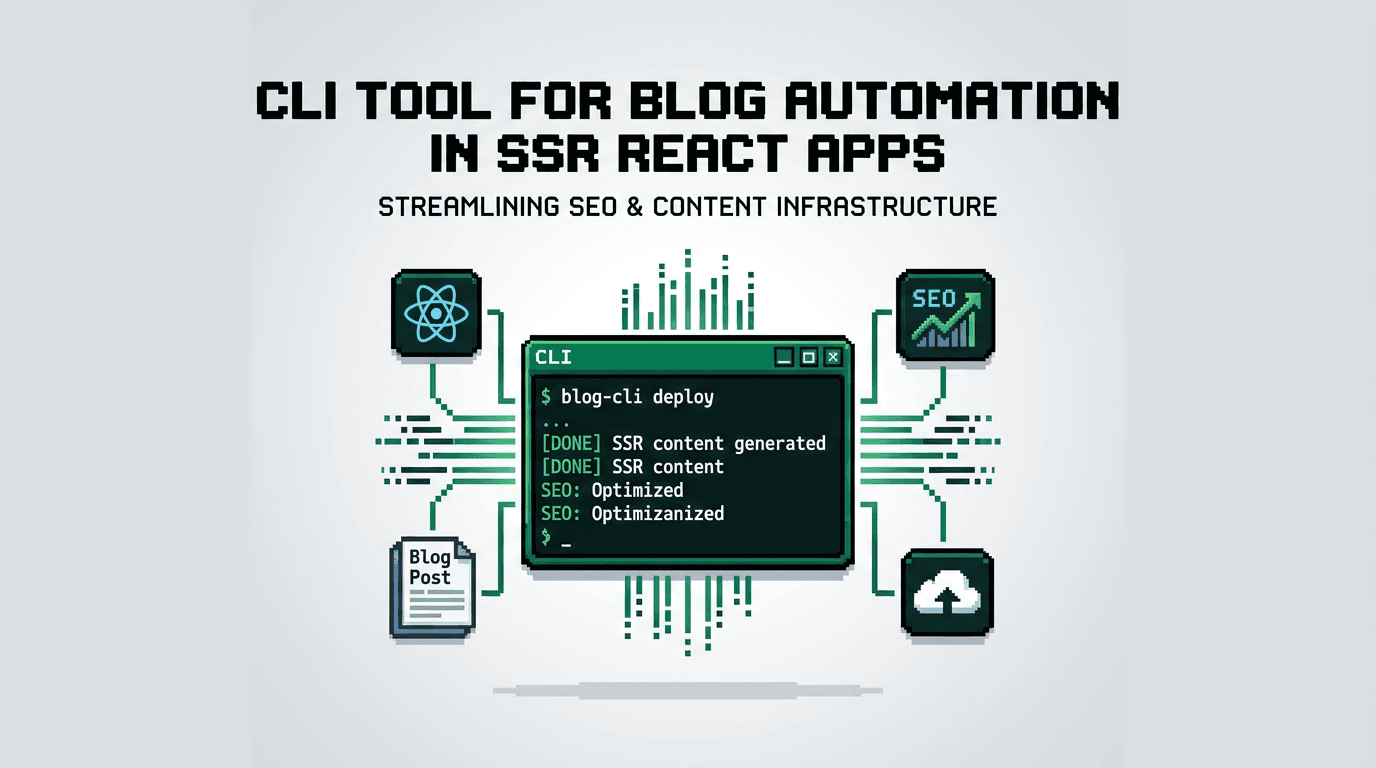
Ship content like you ship code. If your blog pipeline is still copy paste, toggling meta tags by hand, and waiting on someone to update a sitemap, you are losing velocity and search visibility.
This guide shows developers how to build a CLI tool for blog automation that runs an agentic SEO pipeline end to end in an SSR React app. It covers metadata, schema, internal linking, sitemaps, and zero touch publish flows. If you own a Next.js or SSR React stack, the key takeaway is simple: make publishing a deterministic build step.
Why a CLI Tool for Blog Automation Belongs in Your SSR Stack
A reliable content pipeline should behave like CI. A CLI entry point gives you reproducibility, version control, and easy orchestration inside your build and release workflows.
Determinism beats ad hoc publishing
Manual editing of titles, descriptions, and slugs creates drift. A CLI wraps validations, schema generation, and link checks into one command so every release applies the same rules.
Infrastructure as content policy
Treat SEO checks as code. Store rules for canonical tags, open graph images, and JSON-LD in your repo, enforced by your CLI so no post ships without passing.
One surface area for humans and bots
Developers can run the same command locally that your scheduler runs in production. That parity reduces surprises and broken links.
Core Capabilities Your Blog Automation CLI Must Provide
An effective CLI for blog automation aligns with the stages of content readiness: extract, generate, validate, and publish.
Content acquisition and normalization
- Pull drafts from a source of truth such as a content folder, API, or managed layer.
- Normalize frontmatter fields like title, slug, tags, and authors.
- Resolve media assets to stable URLs and fingerprints.
SEO metadata and JSON LD generation
- Produce title, description, canonical URL, and robots settings deterministically.
- Emit Article schema with dates, authors, and breadcrumb list.
- Validate required fields and block publish on failure.
Internal linking and related content
- Compute related posts based on tags or embeddings.
- Insert contextual links within body content where patterns match.
- Update topic hubs and lists for discoverability.
Sitemap and feed updates
- Regenerate sitemaps with lastmod and priority fields.
- Maintain RSS or Atom feeds for syndication and indexing.
Zero touch scheduling and publishing
- Queue validated posts for release windows.
- Idempotent execution so retries do not duplicate.
- Webhook callbacks to revalidate SSR pages and purge caches.
Reference Architecture for an SSR React App
Below is a pragmatic view of how the CLI integrates with a Next.js or similar SSR setup.
Data flow overview
- Source: content store or managed layer exposes drafts as JSON or MDX.
- CLI: resolves content, generates metadata, schema, and link graph.
- Build: writes artifacts to .dist/content and emits sitemap and feeds.
- Publish: commits artifacts or calls APIs to schedule and release.
- Revalidate: webhooks trigger ISR or server cache refresh for changed routes.
Example React integration points
- Route level: async loaders fetch post body and metadata.
- Components: Post, PostList, RelatedPosts consume normalized data.
- Head: metadata injected from the generated artifact for consistent SSR output.
Implementing the CLI Command Set
Design a small, composable command surface so it fits into CI and local dev.
init: project bootstrap
- Create config file with siteUrl, default image, and collections.
- Scaffold content directories and example components.
- Set up npm scripts for local preview and checks.
validate: block on broken or missing SEO
- Ensure required frontmatter fields and unique slugs.
- Run link checks for internal anchors and outbound domains.
- Enforce title length and description bounds.
build: generate metadata, schema, and artifacts
- Create per post JSON artifacts for SSR consumption.
- Produce opengraph images via a template function.
- Emit sitemaps, RSS, and a cross post map for internal links.
publish: schedule and release safely
- Push drafts to a queue with releaseAt timestamps.
- Call platform APIs to publish at the correct time window.
- Trigger webhooks to revalidate affected routes.
Next.js SSR Patterns That Keep SEO Stable
SSR and ISR give you control over rendering and freshness. Pair that with your CLI to avoid surprises on release day.
Deterministic metadata injection
- Use a single function to translate artifact fields to head tags.
- Keep titles, descriptions, and canonical URLs in one source of truth.
Cache and revalidation discipline
- On publish, send a single webhook that lists changed slugs.
- Revalidate pages and topic lists in a bounded time window.
Error handling and retries
- Make publish idempotent. Use content hashes to avoid duplicates.
- If an API call fails, log a stable operation ID and resume from it.
Automating Internal Linking With a Link Graph
Internal linking compounds over time. Instead of hand editing, compute it.
Building the graph
- Nodes are posts, edges represent topic similarity or product areas.
- Weights combine tag overlap and cosine similarity of embeddings.
Applying links safely
- Limit inline links per section to avoid spammy density.
- Add Related reading blocks under H2s where engagement is high.
- Update hub pages and tag indexes from the same graph.
Governing Canonicals, Duplicates, and Cross Posting
If you publish to multiple surfaces, control duplication at the pipeline level.
Canonical rules
- Choose a primary domain for each post and emit rel=canonical.
- On mirrored posts, mark robots as index or noindex based on policy.
Slug and redirect hygiene
- Enforce slug parity where possible.
- Generate 301 rules for renamed slugs and keep a map in version control.
Comparing Options: Hand Built vs Toolkit vs Managed Layer
Here is a concise view of build paths for a CLI tool for blog automation.
Below table compares the approaches so you can pick by team needs.
| Approach | Who it fits | Setup time | Flexibility | SEO enforcement | Ongoing ops |
|---|---|---|---|---|---|
| Hand built scripts | Solo devs, MVPs | Low to medium | High | Manual | Higher toil |
| Toolkit plus SDK | Product teams | Low | High | Strong with validations | Moderate |
| Managed layer plus SDK | Fast growing SaaS | Very low | Medium to high | Strong and consistent | Low |
Wiring a CLI Tool for Blog Automation Into CI
Make the pipeline first class in your repo so every deploy keeps content healthy.
Local developer workflow
- npm run blog:init for new projects.
- npm run blog:validate before commit.
- npm run blog:build to preview artifacts and head tags.
CI and release steps
- On main branch merges, run validate and build.
- On scheduled workflows, run publish with guards for windows and holidays.
- Post release, run link audits and store results as artifacts.
Cost, Time to Live, and Failure Modes
Plan with realistic estimates so stakeholder expectations stay aligned.
Time and cost bands
- Initial CLI command set: a few days if using an SDK, weeks if from scratch.
- Ongoing: minutes per week to review and approve queued posts.
Common pitfalls
- Missing canonicals on cross posted content.
- Sitemaps not updated after slug changes.
- Over aggressive internal links hurting readability.
Where AutoBlogWriter Fits
If you prefer a managed, agentic workflow with deterministic outputs, AutoBlogWriter provides the building blocks while preserving SSR control.
What you get
- A single run that generates the post, social copy, image, metadata, schema, and sitemap entries.
- Drop in React components for post pages and lists in SSR apps.
- Built in internal linking automation and validated metadata.
How it integrates
- Add the SDK to your SSR React app and wire loaders for metadata and post rendering.
- Keep your CLI surface minimal by delegating generation and validations.
- Use zero touch validate to publish automation with predictable outputs.
Feature Snapshot: Deterministic Outputs for Developers
Here is a compact view of features relevant to a CLI tool for blog automation.
| Capability | Purpose | Outcome |
|---|---|---|
| Metadata and schema generation | Enforce consistent tags | Stable head and JSON LD |
| Internal linking automation | Build link equity safely | Better crawl paths |
| Sitemap and feed automation | Keep indexes fresh | Faster discovery |
| SSR components | Render reliably | Predictable UI |
| Agentic run | One pass from draft to publish | Fewer manual steps |
Security, Governance, and Auditability
Treat publishing as a controlled path so marketing and engineering stay aligned.
Approval gates and roles
- Require approvals before publish, with audit trails for changes.
- Record artifact hashes and reviewer IDs for compliance.
Rollback ready
- Keep previous versions of posts and metadata.
- Revert by hash and revalidate affected routes.
Key Takeaways
- Make a CLI tool for blog automation the entry point to your SSR publishing pipeline.
- Enforce metadata, schema, canonicals, and internal links as code.
- Use idempotent queues and webhooks to schedule and revalidate safely.
- Prefer deterministic outputs and SSR aligned components for stability.
Move your blog from best effort to guaranteed execution with a pipeline that ships itself.
Frequently Asked Questions
- What is a CLI tool for blog automation?
- A command line program that validates, builds, and publishes blog content with consistent SEO metadata, schema, links, and sitemaps.
- Why use a CLI for an SSR React blog?
- It makes publishing deterministic, integrates with CI, and keeps metadata and schema consistent across releases.
- How do I avoid duplicate content when cross posting?
- Choose a primary domain, emit rel=canonical on mirrors, and control indexability via robots policies.
- Can this pipeline work with scheduled publishing?
- Yes. Queue posts with release timestamps and trigger webhooks to revalidate affected SSR routes at publish time.
- What if a publish attempt fails?
- Design idempotent operations with content hashes so retries do not duplicate, and log operation IDs for safe resume.