Next.js SEO Checklist for SSR Apps
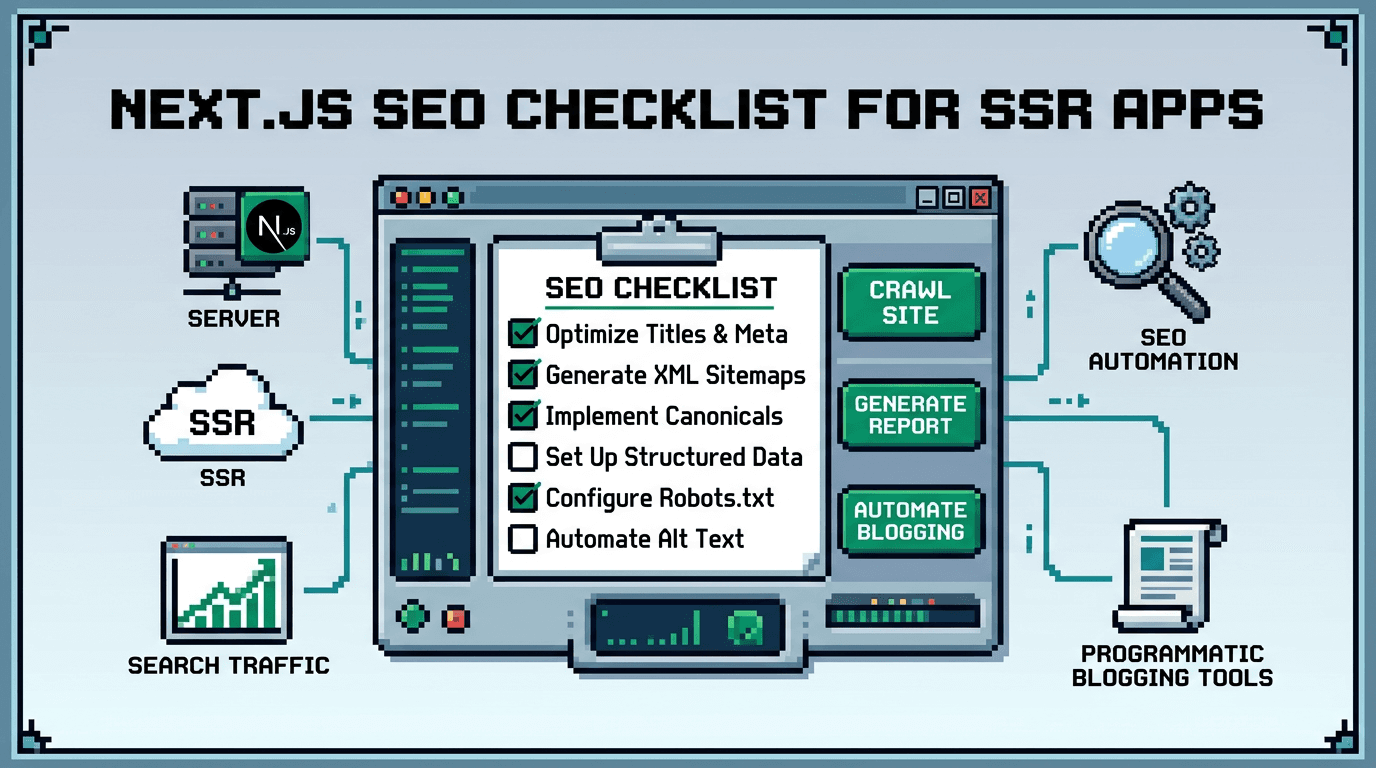
Building a fast Next.js app is not enough if your pages cannot be discovered, understood, and ranked. A solid SEO foundation keeps your SSR routes crawlable and your content query matched.
This post delivers a practical Next.js SEO checklist for developers shipping SSR apps. It is for engineers and SaaS teams who need reliable metadata, schema, sitemaps, internal linking, and automation. The key takeaway: wire an execution-enforced SEO pipeline that is testable, repeatable, and zero-regression.
What to include in a Next.js SEO checklist
A good Next.js SEO checklist covers fundamentals and the operational plumbing that prevents regressions.
Core technical items
- Set page titles and descriptions via the Next.js Metadata API.
- Ensure canonical URLs, Open Graph, and Twitter tags.
- Serve structured data with JSON-LD for key entities.
- Generate XML sitemaps and submit to search consoles.
- Control indexing with robots.txt, meta robots, and HTTP headers.
Operational guardrails
- Add linting or tests for required metadata fields.
- Enforce stable URL structures and redirect rules.
- Monitor Core Web Vitals and JavaScript execution budgets.
- Automate internal linking and orphan detection.
Metadata and titles with the Next.js Metadata API
The Next.js Metadata API reduces manual tag handling and produces consistent head elements.
App Router example
// app/blog/[slug]/page.tsx
import { fetchPost } from "@/lib/data";
import type { Metadata } from "next";

export async function generateMetadata(
  { params }: { params: { slug: string } }
): Promise<Metadata> {
  const post = await fetchPost(params.slug);
  const url = `https://example.com/blog/${post.slug}`;
  return {
    title: post.title,
    description: post.excerpt,
    alternates: { canonical: url },
    openGraph: {
      title: post.title,
      description: post.excerpt,
      url,
      type: "article"
    },
    twitter: {
      card: "summary_large_image",
      title: post.title,
      description: post.excerpt
    }
  };
}
Checklist for metadata
- Title is unique, concise, and under ~60 characters when possible.
- Description is compelling and under ~160 characters.
- Canonical points to the preferred URL.
- Social tags reflect the title and description.
- No duplicate titles or missing descriptions across routes.
Structured data and schema for React apps
Schema helps search engines understand entities like articles, products, and organizations.
JSON-LD Article example
// app/blog/[slug]/Schema.tsx
export default function ArticleSchema({ post }) {
  const data = {
    "@context": "https://schema.org",
    "@type": "Article",
    headline: post.title,
    description: post.excerpt,
    datePublished: post.publishedAt,
    dateModified: post.updatedAt || post.publishedAt,
    author: [{ "@type": "Person", name: post.author }],
    mainEntityOfPage: {
      "@type": "WebPage",
      "@id": `https://example.com/blog/${post.slug}`
    }
  };
  return (
    <script type="application/ld+json"
      dangerouslySetInnerHTML={{ __html: JSON.stringify(data) }} />
  );
}
Schema checklist
- Use JSON-LD, not Microdata, for easier hydration-free rendering.
- Validate in Rich Results Test or a schema linter during CI.
- Keep dates ISO formatted and keep modified dates accurate.
- Use Organization and WebSite schema on the homepage and root.
Next.js sitemap generation and robots control
Sitemaps speed discovery and keep index freshness high.
App Router sitemap.ts example
// app/sitemap.ts
import { fetchAllPosts } from "@/lib/data";

export default async function sitemap() {
  const posts = await fetchAllPosts();
  const base = "https://example.com";
  return [
    { url: base, lastModified: new Date() },
    ...posts.map((p) => ({
      url: `${base}/blog/${p.slug}`,
      lastModified: p.updatedAt || p.publishedAt
    }))
  ];
}
robots.txt example
// app/robots.ts
export default function robots() {
  const base = "https://example.com";
  return {
    rules: [
      { userAgent: "*", allow: "/" }
    ],
    sitemap: [`${base}/sitemap.xml`]
  };
}
Sitemap checklist
- Include primary content routes only, not faceted duplicates.
- Keep lastModified dates correct to reduce crawl waste.
- Regenerate on publish and on significant updates.
- Ensure robots.txt references the sitemap.
SSR, CSR, and hybrid rendering for crawlability
SSR provides immediate HTML for crawlers and users. Use CSR and ISR judiciously to balance performance and freshness.
Rendering patterns
- SSR for indexable content like articles, docs, and category pages.
- ISR for content that updates periodically to reduce server load.
- CSR for user-only dashboards or non-indexable pages.
Crawlability checklist
- HTML contains the core content on first response for indexable pages.
- Avoid client-only rendering for critical text.
- Use next/script with strategy controls for third-party scripts.
- Test fetch-dependency chains to avoid hydration delays.
Internal linking, navigation, and canonical safety
Internal links distribute PageRank and help discovery of deep routes.
Patterns that scale
- Add related posts sections on each article.
- Link from high-traffic hubs to new pages.
- Use tag or topic pages with clean pagination.
- Maintain canonical tags to prevent duplicate content.
Example related content component
import Link from "next/link";

export function RelatedPosts({ posts }) {
  return (
    <ul>
      {posts.map(p => (
        <li key={p.slug}>
          <Link href={`/blog/${p.slug}`}>{p.title}</Link>
        </li>
      ))}
    </ul>
  );
}
Linking checklist
- Every post links to at least 3 relevant internal pages.
- No orphan pages after each deployment.
- Anchor text is descriptive and avoids generic labels.
- Canonicals prevent tag or pagination duplicates.
Performance, images, and Core Web Vitals
Performance impacts rankings and UX. Optimize images, scripts, and network usage.
Image optimization
- Use next/image with proper sizes and priority on LCP images.
- Provide width and height to prevent layout shift.
- Prefer modern formats like WebP or AVIF when possible.
Script control
- Lazy-load non-critical scripts and widgets.
- Use async or defer where safe, and remove unused packages.
- Limit hydration with server components where appropriate.
Vitals checklist
- CLS and LCP within recommended thresholds.
- Fonts preloaded and displayed with fallback strategies.
- Avoid long main-thread tasks from heavy client scripts.
Canonicals, redirects, and URL hygiene
URL stability prevents index fragmentation and analytics noise.
Rules to enforce
- One URL per piece of content, with lowercase slugs.
- 301 redirect old slugs to new ones permanently.
- Add trailing slash policy and enforce consistently.
Next.js middleware redirect example
// middleware.ts
import { NextResponse } from "next/server";
import type { NextRequest } from "next/server";

export function middleware(req: NextRequest) {
  const url = new URL(req.url);
  if (url.hostname.startsWith("www.")) {
    url.hostname = url.hostname.replace("www.", "");
    return NextResponse.redirect(url, 301);
  }
}
Testing and CI automation for technical SEO
Prevent regressions by treating SEO as code and enforcing checks in CI.
Recommended checks
- Lint for missing title, description, canonical.
- Validate sitemap shape and robots rules.
- Check JSON-LD validity for key routes.
- Smoke-test 200 responses and noindex directives.
Example CI step outline
## .github/workflows/seo.yml
jobs:
  seo_checks:
    runs-on: ubuntu-latest
    steps:
      - uses: actions/checkout@v4
      - run: npm ci
      - run: npm run build
      - run: npm run test:seo   # custom script with your validators
Programmatic SEO patterns that work in Next.js
Programmatic SEO can create thousands of useful, query-targeted pages from structured data if quality and intent stay high.
Data model and templating
- Start with a narrow entity type with strong search intent.
- Build a server component template with fields mapped to H1, H2, and body.
- Include unique descriptions and examples per row to avoid thin content.
Execution checklist
- Each page has unique title and description derived from data.
- Add internal links between related entities and hubs.
- Generate sitemap entries as soon as records publish.
- Monitor indexation and prune low-value variants.
Example tools and approaches for automation
Below is a concise comparison of common approaches to automate metadata, schema, sitemaps, and publishing.
Here is a quick comparison table to help choose an approach.
| Approach | Fit | Pros | Cons | Notes |
|---|---|---|---|---|
| Hand-rolled code | Small to mid blogs | Full control, no deps | Ongoing maintenance | Good for teams with bandwidth |
| Headless CMS + custom hooks | Multi-author sites | Editorial UI, workflows | Connector complexity | Ensure SEO tests in CI |
| Blog automation tools | Fast iteration | Speed, internal linking | May need SDK fit | Verify SSR compatibility |
Putting it together with a reliable workflow
Bring the pieces into a single, repeatable pipeline your team trusts.
Publish pipeline outline
- Author or generator creates content with required fields.
- CI validates metadata, schema, and links.
- On merge, the site rebuilds and regenerates sitemaps.
- Webhooks trigger revalidation of affected routes.
- Monitoring checks vitals and indexation deltas.
Rollback and safety
- Treat content as versioned data for quick revert.
- Keep idempotent publish jobs to avoid duplicates.
- Gate publishes with approvals for high-impact pages.
Key Takeaways
- Use the Next.js Metadata API, JSON-LD schema, and clean sitemaps as non-negotiables.
- Prefer SSR or ISR for indexable content and keep core text in HTML at response time.
- Enforce canonicals, redirects, and internal links with tests to prevent regressions.
- Treat SEO as code with CI checks and automate repeatable publishing steps.
- Start programmatic SEO with narrow, high-intent templates and monitor quality.
Ready to automate this workflow end to end? Try AutoBlogWriter at https://autoblogwriter.app/
Frequently Asked Questions
- What is the Next.js Metadata API used for?
- It centralizes page head elements like title, description, canonical, and social tags so you avoid manual head tag management across routes.
- Do I need JSON-LD for every page?
- Use JSON-LD where it adds meaning. Blog posts, products, organizations, and FAQs benefit. Validate with Rich Results Test and keep fields accurate.
- Should blog pages be SSR or ISR?
- Use SSR for immediate HTML and ISR to reduce load while keeping freshness. Both are fine if content is indexable in the initial HTML.
- How often should I regenerate the sitemap?
- Regenerate on publish and on significant updates. Automate this in your build or publish pipeline and reference it in robots.txt.
- How do I prevent duplicate content in Next.js?
- Pick a single canonical URL, enforce redirects for variants, avoid faceted duplicates in sitemaps, and keep consistent trailing slash and lowercase rules.