7 Steps to Auto-Schedule a Month of SEO Posts with AutoBlogWriter
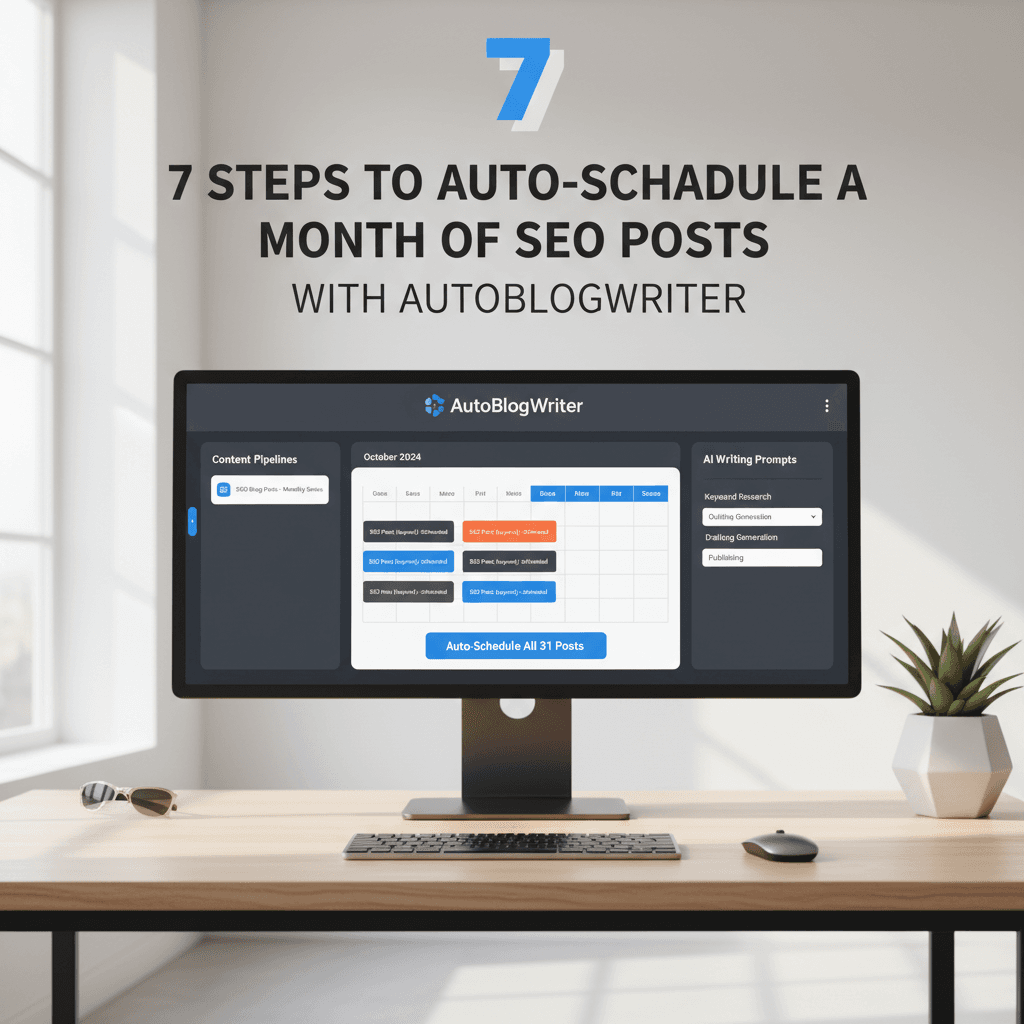
Publishing a steady stream of SEO-optimized posts is the fastest way to grow organic traffic, but manual planning and production kill momentum. This guide walks through a practical, repeatable workflow to batch-generate a month of blog posts using AutoBlogWriter, covering idea generation, draft polish, SEO metadata, image creation, and the auto-scheduler so you can achieve consistent cadence with minimal overhead. The keyword content calendar automation is used throughout as the organizing principle.
1. Plan your month with a content calendar automation framework
Start by defining the monthly theme and search intent clusters you want to own. Use a simple rubric: topical relevance, estimated search volume, and ease of production. In AutoBlogWriter, run AI idea generation for 20-30 title ideas filtered by your target keyword and related phrases. Export the shortlist to the calendar view and assign priorities and publish windows. This is the point where content calendar automation turns a list of ideas into a scheduled plan.
2. Batch-generate first drafts with focused prompts
With titles selected, use the batch content generation feature to create first drafts. Provide the workspace context: brand tone, audience, and a short keyword brief for each title. Keep prompts consistent so the drafts are uniform in structure. Generate drafts in groups of five to ten to leverage AI scale while keeping review manageable. Save drafts as individual posts in the AutoBlogWriter workspace so you can track progress and analytics per post.
3. Use AI polish and SEO scorer to raise baseline quality
Run each draft through the AI polish step to tighten language, add clear headings, and surface internal linking suggestions. Next, use the built-in SEO scorer to check readability, keyword placement, meta description length, and H2 usage for your primary keyword. Iterate until the SEO score meets your threshold. This automated polish and scoring stage removes most manual editing and produces posts that are ready for metadata and image generation.
4. Generate hero and OG images that match article intent
Visuals matter for click-through and brand consistency. Use the AI image generation feature to create hero images and OG thumbnails tailored to each article. Supply brief prompts that include style, color palette, and focal subject so images fit your site design. AutoBlogWriter stores images in the post record and prepares responsive versions compatible with Next.js components, reducing work at publish time.
5. Add SEO metadata and schedule with the auto-scheduler
Populate title tags, meta descriptions, and canonical URLs using the platform's SEO helpers. AutoBlogWriter suggests optimized meta descriptions based on the draft and ensures the meta title stays within length limits. Then use the auto-scheduler to place posts into your monthly cadence. You can stagger publish days, set preferred times, and let the scheduler respect rate limits or blackout dates. This is the core of content calendar automation where planning becomes a timed deployment.
6. Configure sitemap, robots, and cache revalidation webhooks
Before publishing, confirm sitemap generation and robots.txt settings in the dashboard so search engines can discover the new content. Connect your Next.js revalidation webhook to AutoBlogWriter so published posts trigger cache invalidation on your site. That ensures the new pages appear immediately without manual deploys. If you serve an API route for revalidation, provide its endpoint and secret key to the workspace integration settings.
7. Monitor performance with GA4 analytics and iterate
After the posts go live, track impressions, clicks, and engagement in the embedded GA4 analytics panel. Identify high-performing topics and low-performing pages to inform the next batch. Use internal linking suggestions and occasional refreshes for underperforming posts. Schedule a monthly review in AutoBlogWriter to repeat the process and scale the number of posts per month as you refine prompts and SEO thresholds.
Quick checklist to run this in an afternoon
- Generate 20 title ideas and pick 8 to 12 for the month
- Batch-generate drafts in groups of 5
- Run AI polish and hit the SEO score threshold
- Create hero and OG images for each post
- Fill meta title and description using SEO helpers
- Use the auto-scheduler to assign publish dates
- Connect sitemap, robots, and revalidation webhook
- Monitor GA4 for performance and iterate
Conclusion
Batching content production and relying on a tightly integrated headless AI CMS turns content calendar automation from a future goal into a repeatable operation. Follow these seven steps with AutoBlogWriter to publish a month of SEO-ready posts with predictable cadence and minimal manual editing. Over time you will shorten production cycles, expand topical coverage, and improve organic traffic without increasing headcount.